
Creality Ender-5 Pro (2019) with Hermes: print from your phone, no SD card
Your Ender-5 Pro (2019) becomes a one-tap printer. Plug Hermes in with the USB cable and choose what to print from the catalogue: no slicer, no SD card, even if the printer has no Wi-Fi.
Your Ender-5 Pro (2019) with Genesys
- BUILD VOLUME
- 220 × 220 × 300 mm
- HOW HERMES CONNECTS
- With the USB cableeven if the printer has no Wi-Fi: Hermes takes care of it
- NOZZLE
- 0.4 mm
- MATERIAL
- PLA
What changes with Hermes
- Print from your phone, even if your printer has no Wi-Fi
Hermes connects to the printer with the USB cable and receives prints from the app.
- No SD card
No more copying files or swapping cards: the print arrives on its own.
- No slicer
The file is already prepared for your Ender-5 Pro (2019): choose and tap Print.
How to connect, in 3 steps
- 01
Plug Hermes into the printer with the USB cable
- 02
Pair Hermes in The Genesys app
- 03
Choose an object and tap Print
Where to start
The whole catalogue →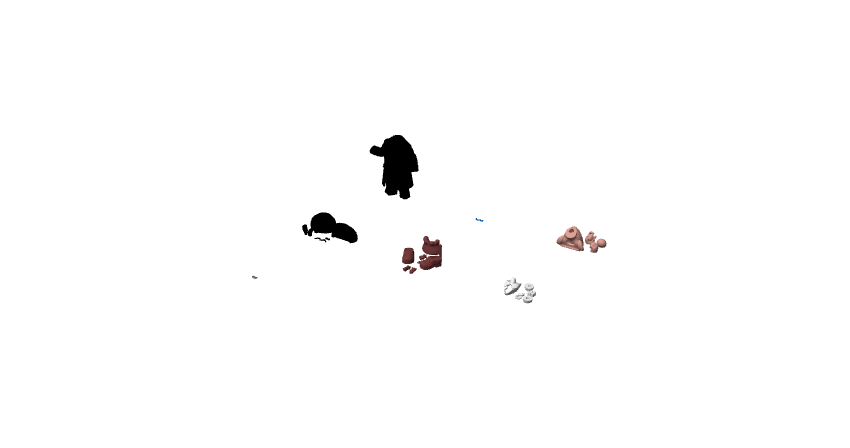 In colourLuigi, figura da assemblareFree
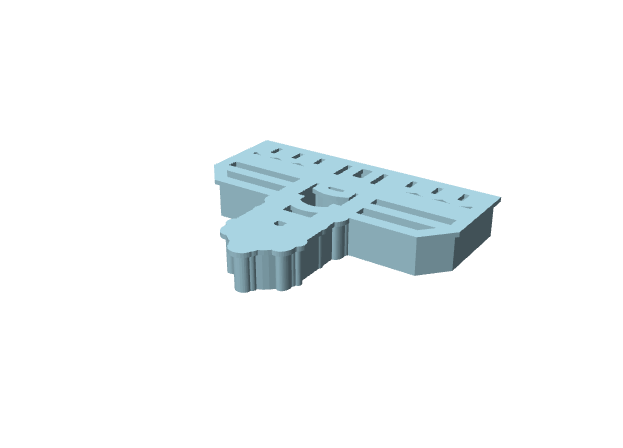 Formina per biscotti CabildoFree
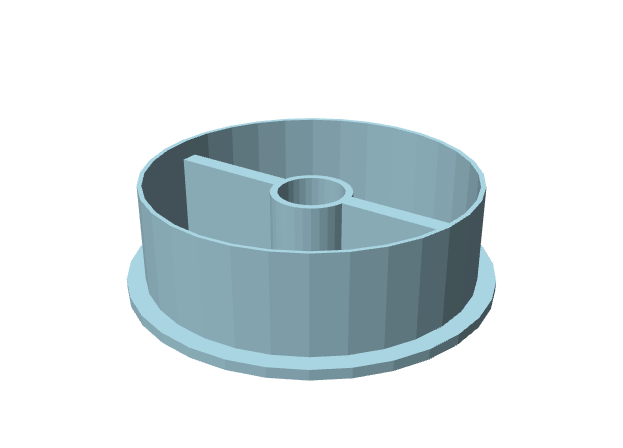 Poké Ball, metà guscio con cernieraFree
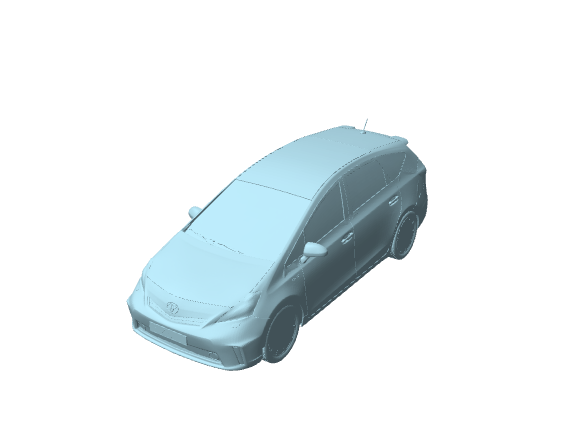 Toyota Prius v 2012, modellino da collezioneFree
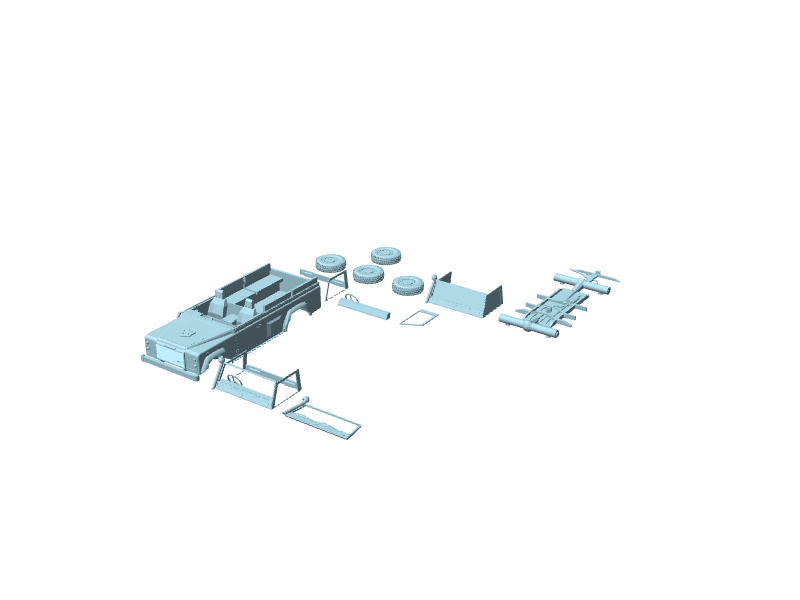 Land Rover Wolf 110, modellino da collezioneFree
 Gancetto per tendeFree
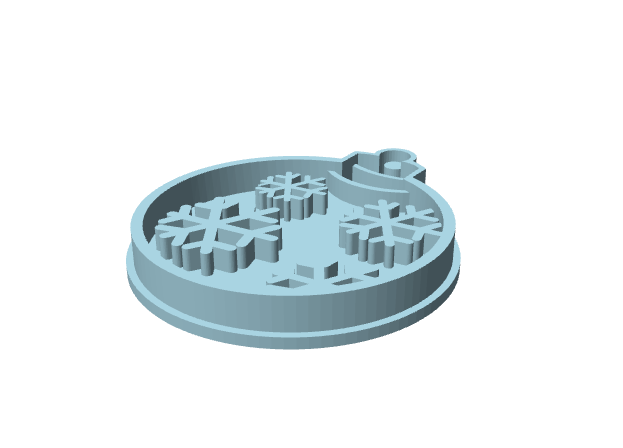 Ornamento natalizio a forma di palla con fiocchi di neveFree
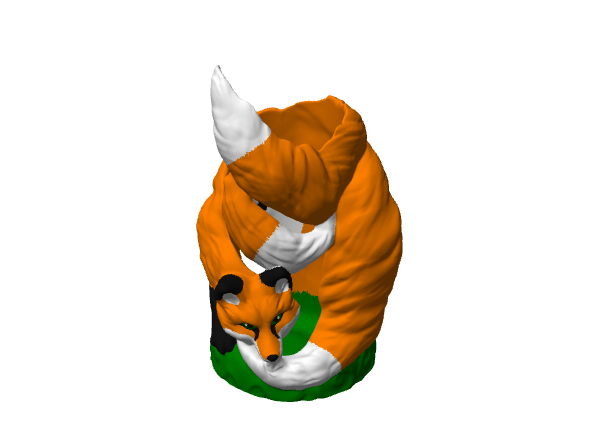 In colourVolpe Kitsune, portabottiglie decorativoFree
Frequently asked questions
Does my Ender-5 Pro (2019) have Wi-Fi? How do I print from my phone?
With Hermes, you can print from your phone even if your printer has no Wi-Fi. Connect Hermes to the printer over USB and to your home network, then choose an object in the app and tap Print.
Do I need a slicer to print with my Ender-5 Pro (2019)?
No. We prepare the file for your Ender-5 Pro (2019): you choose the object and tap Print.
How large can objects be for my Ender-5 Pro (2019)?
The build volume is 220 × 220 × 300 mm. We scale larger objects to fit these dimensions before preparing the file.
Which nozzle do I need on my Ender-5 Pro (2019)?
The standard 0.4 mm one: the catalogue files are prepared for this nozzle.
Which material should I use?
PLA: it's the material we prepare the Ender-5 Pro (2019)'s files for.
More Creality printers
All printers →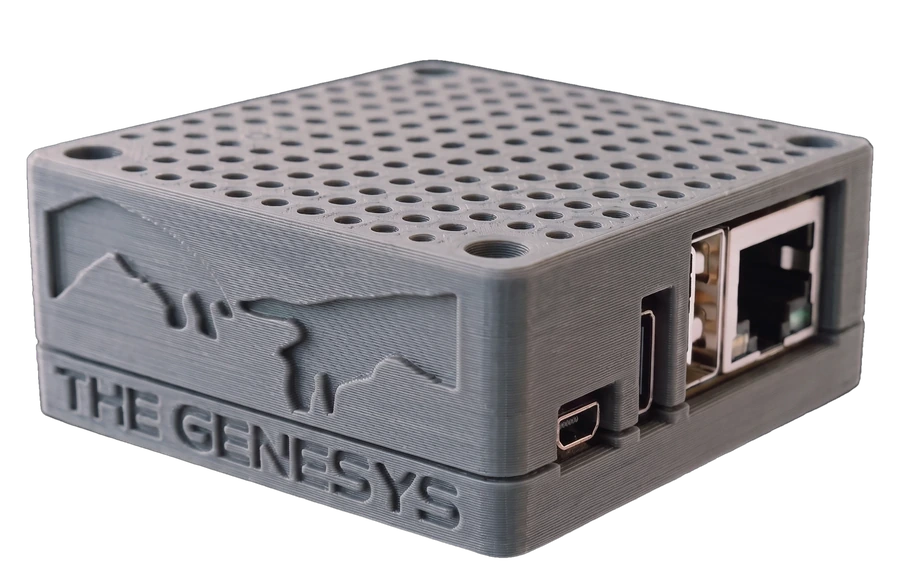
Your Ender-5 Pro (2019) is ready for Hermes.
Choose from the catalogue and print with Hermes: we prepare the file for your printer.
Connect your Ender-5 Pro (2019) with Hermes· € 99.99