Free 3D models: choose from the catalogue, print with Hermes
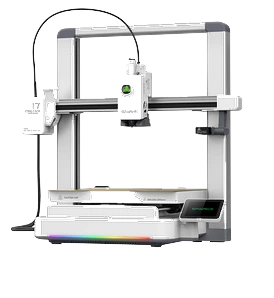
Explore free Genesys 3D models and add them to your library. Printing requires Hermes, a supported machine and separate filament.
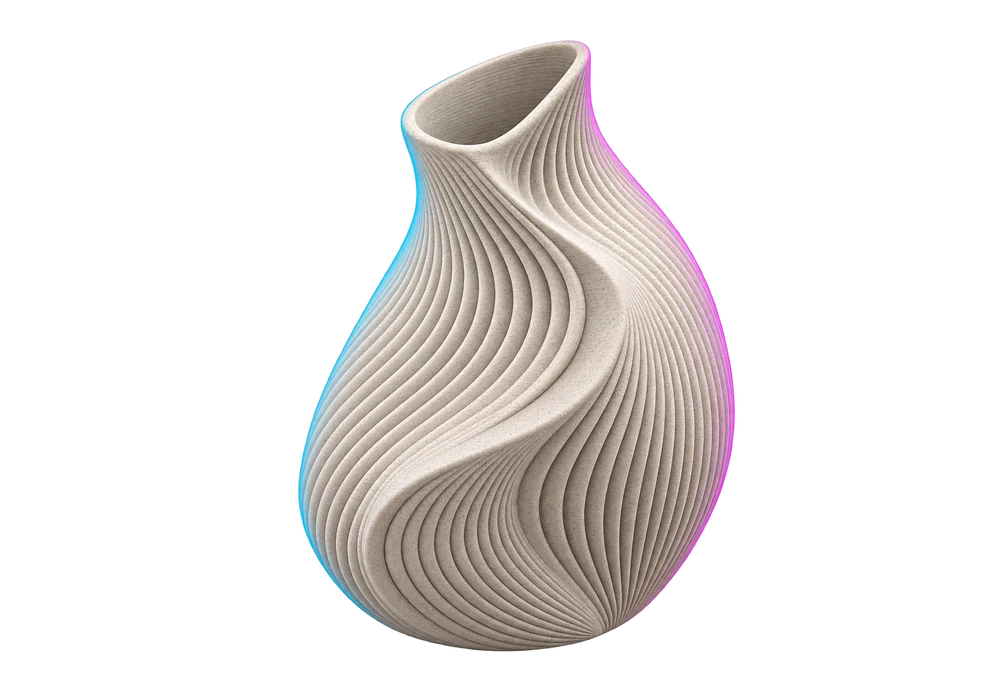
Free models in the Genesys catalogue let you choose a project without paying its model price. Printing requires Hermes and a supported printer; filament is separate. “Free” describes the model, not a printer, spool or downloadable file. It is a concrete way to begin with an object you want.
Explore before deciding
You can browse the catalogue even if you do not yet own Hermes. Open listings and look for a use that interests you: organisation, decoration or a hobby accessory. Availability changes as the catalogue grows, so check the individual model instead of relying on an overall number.
Read a free project as carefully as a paid one. Look at compatible printers, available variants and the printing information provided. Do not assume the first photographed model suits the machine you own.
Adding to a library is not downloading
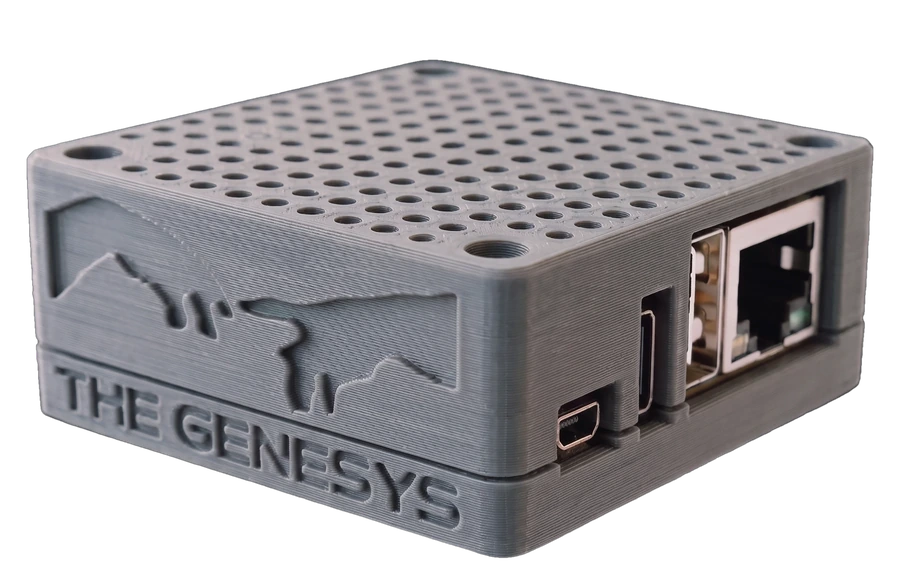
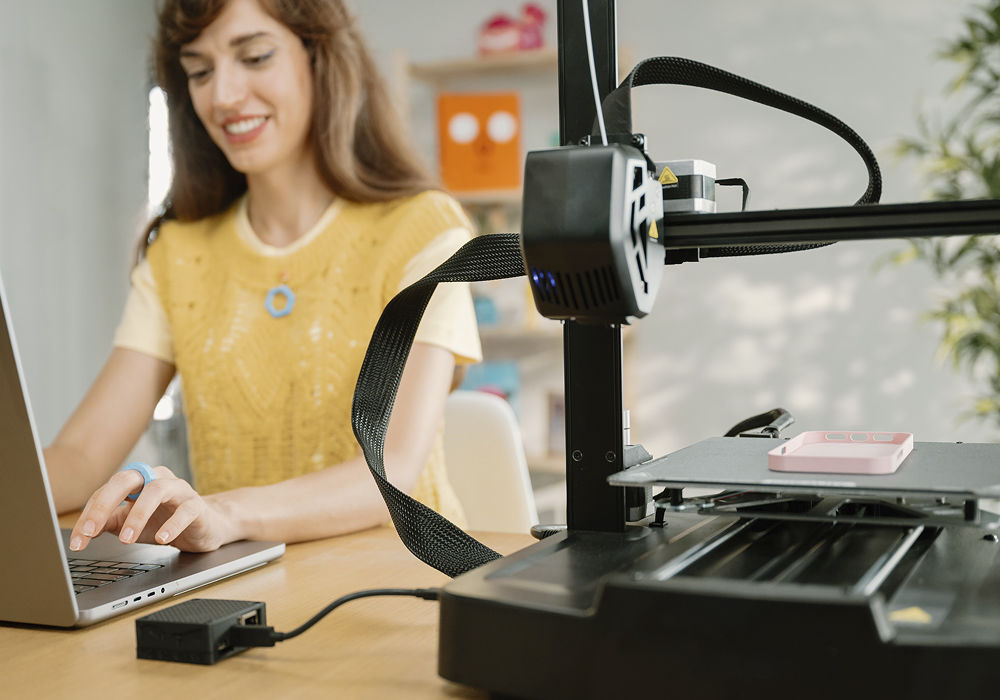
With an account, you can add free models to your library. Without Hermes, your copy waits until you can print through the required connection. The catalogue does not deliver a collection of files to take into other software. Understanding this avoids a misunderstanding: you may choose now, but printing always uses the service and the hub.
The cloud prepares the file for the specified machine, it travels encrypted and your Hermes opens it. The same principle applies to paid models. The project's price changes, not the printing requirement.
Choose a first object with a clear destination
To avoid accumulating a library you never use, ask where the result will go. Compare two or three listings and choose the one that best suits your space and taste. Check material and data before starting; do not turn a photograph into a technical specification.
If you still need a printer, compare kits around what you want to make. If you own one already, check its full model name before buying Hermes. The free catalogue gives you a good reason to explore: find an object you actually want and understand how to bring it from the listing into your home.
Organise a small selection
Choose a few projects and give each a reason: one for your desk, one for a hobby and one to give someone. Compare them with the machine you own or the kit you are considering. The library becomes a list of concrete wishes instead of an undifferentiated archive.
For each choice, check what belongs to the model and which data is available. If variants exist, compare them before starting. A free model does not make that attention unnecessary: you want an object that matters to you and a journey suited to your setup. Understanding the listing matters more than the excitement of adding everything.
Choose your first free model
Open the catalogue and identify a free model whose listing you will read fully. Check support and material, then choose where the result will go. The first step is not collecting as many projects as possible: it is finding the one you would like to see become an object.