Printing in multiple colours with the Pro kit: from design to spools
Choose a colour project with the Pro kit and prepare the spools following its instructions. Hermes connects the printer to The Genesys catalogue.
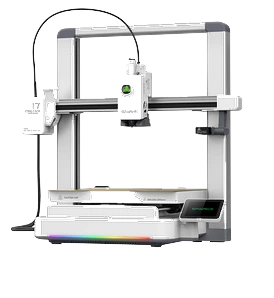
Printing in multiple colours starts with an object you want to examine up close. The Pro kit — Creality SPARKX i7 Color Combo + Hermes brings together the printer and the device connecting it to The Genesys. Choose a catalogue project intended for this journey and let its combination of shapes and colours give the result its character.
Start with the detail you want to highlight
Imagine a shape with one detail that stands apart: a quiet base and a vivid element, or two tones that complement each other. These are visual ideas to look for in the catalogue, rather than specific designs already available. For your first choice, look for a listing that clearly shows the object and its intended colour arrangement.
Ask yourself which detail would make you smile whenever you see it. That might be a bold contrast or a gentle combination. Colour has a purpose: drawing the eye, distinguishing an element or making a shape recognisable. Begin with that wish and compare a few projects instead of choosing only the most dramatic photograph on the page.
Read the project before choosing your spools
The photograph is a starting point, not the whole preparation. Read the design information, specified material and available details about colours. Do not assume any combination of spools will work simply because you like the effect. Your filament choice should follow the project and the printer’s instructions, rather than an impression formed from a picture.
Decide where the object will live, too. For a shelf, you might seek a contrast with the wall; for a desk, you could echo a colour already there. You do not need to copy a picture exactly to understand your taste. You do need to distinguish what the project allows from what you are only imagining before preparing the machine.
What Hermes does along the way
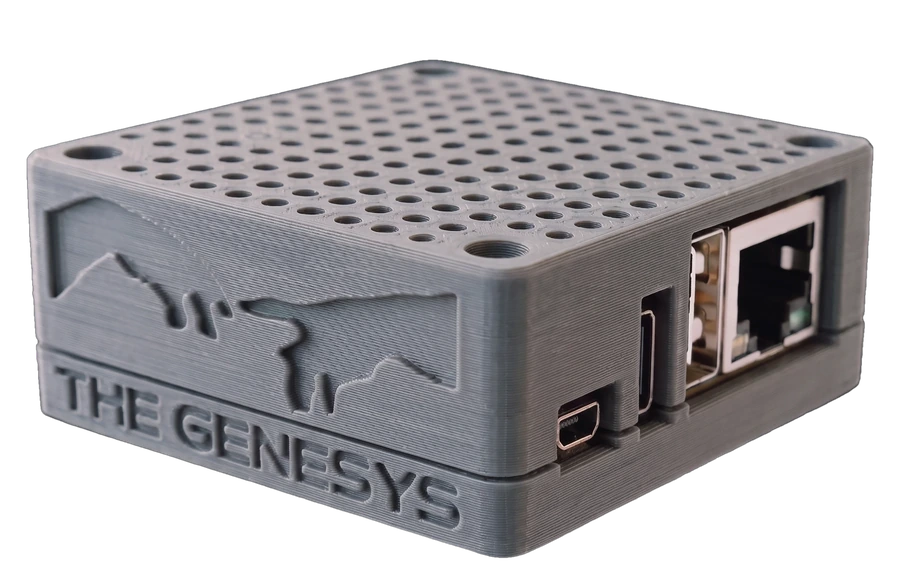
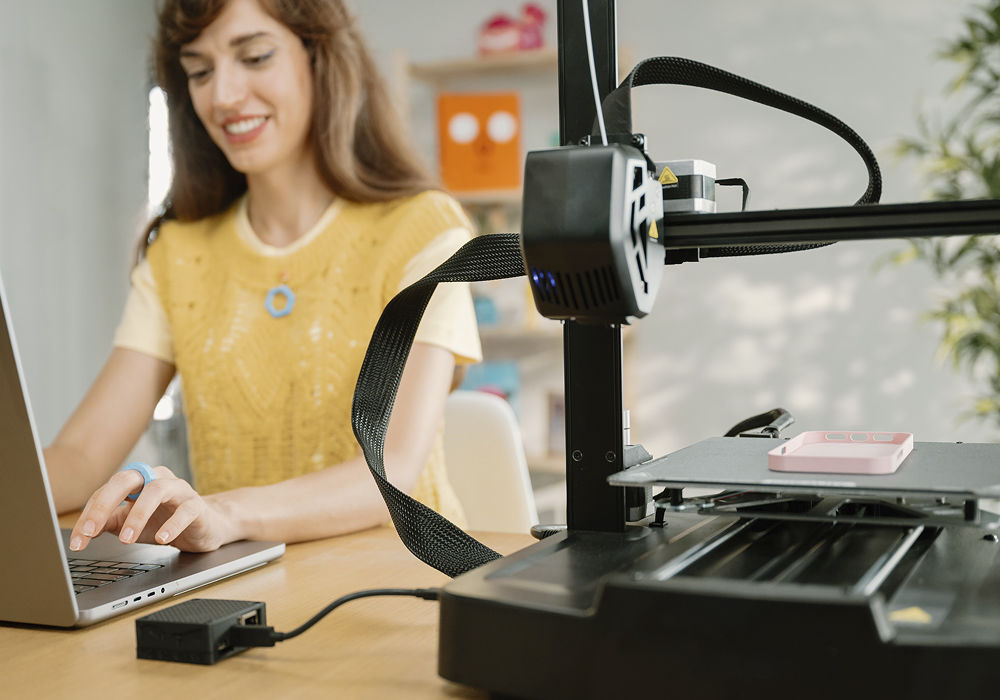
Hermes connects the Pro kit to The Genesys service. Once you choose a design, the cloud prepares instructions for the intended machine. The file travels encrypted and Hermes opens it for printing. You are not downloading a design to prepare on your own: preparation is included in the service journey.
Your choices give the object its character, while you prepare the physical printer according to its manual. Follow the machine’s official instructions and the project information for loading and arranging spools. Do not invent a sequence based only on the number of colours visible in a photograph. Clear instructions are part of the route to a pleasing result.
Find a place for your first colour print
Filament is excluded from the Pro kit. Think of it as part of the project, alongside the space where you will print and the place where you will display the object. Begin with one subject, notice its shapes and contrasts, then choose a second project to accompany it. A personal collection grows from those decisions.
Explore the Pro kit with your first object in mind. From choosing the design to preparing the spools, build a journey towards a print you will want to keep in view and show to someone visiting your home.