What to print with the Ender-3 V3 KE and Hermes
Ideas for the Ender-3 V3 KE with Hermes: choose an object, colour and catalogue project for your home. The cloud prepares the printing instructions.
With the Ender-3 V3 KE and Hermes, you can start with the object you want and choose a design from The Genesys catalogue. Hermes connects the service to the printer, while the cloud prepares the instructions the machine will follow. The starting point is tangible: something you want on your desk, on a shelf or beside the tools for your favourite hobby.
Decide where your first object will live
Look around the room before opening the catalogue. Is there a small mess that bothers you? An empty space you would like to make your own? A hobby that deserves something special? Write down one wish. Having a destination in mind makes it easier to choose between very different objects and picture the result beyond its photograph.
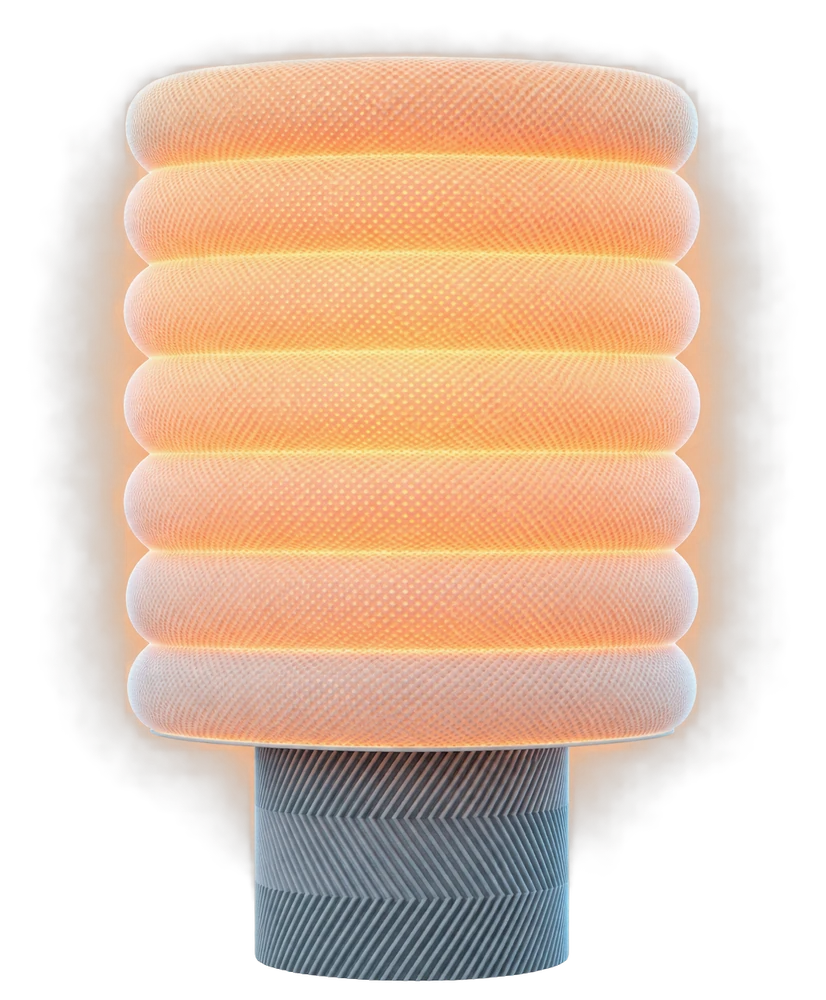
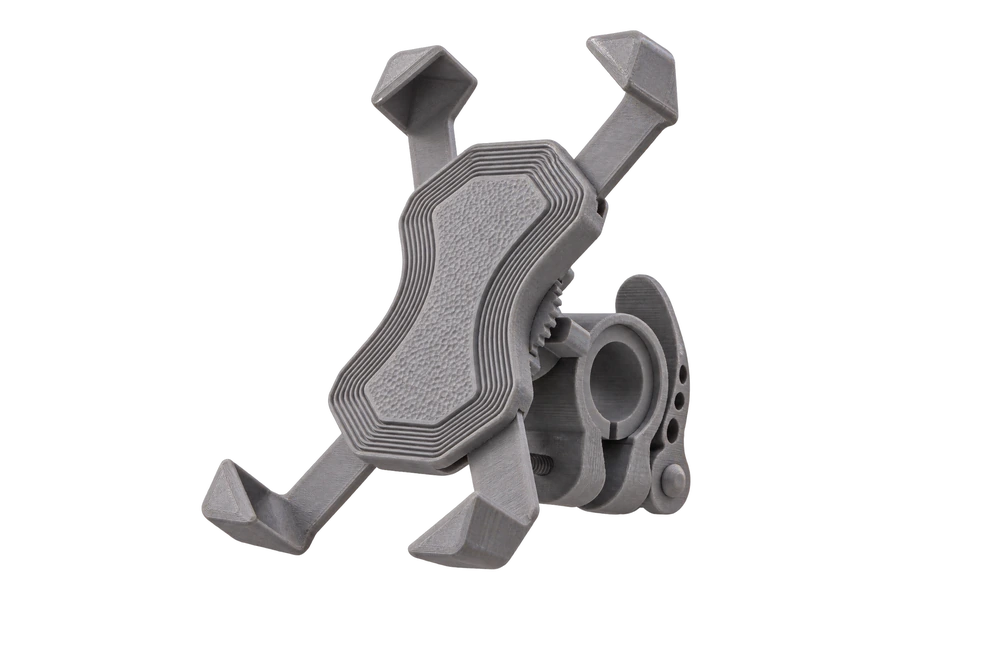
A container for small accessories, a geometric decoration or something to organise your desk are ideas to look for, rather than promises of existing catalogue products. Open the listings that interest you and compare what they show with the space you have. A good first choice already has somewhere to go when the printing is finished.
Give it character through colour
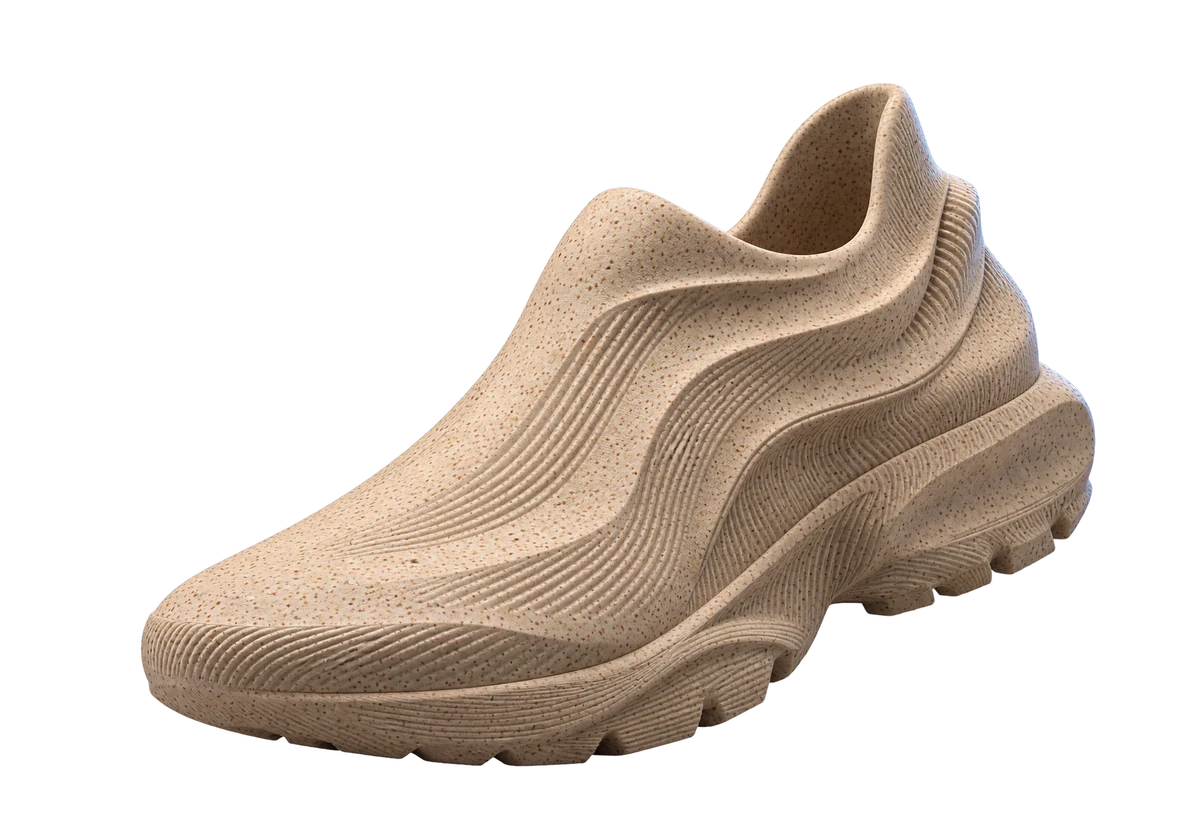
An object printed in one colour can still be striking. Shape, light and your choice of filament change the way it looks. Imagine a discreet accessory beside your computer, or a lively shape on a pale shelf. You do not need to begin with an elaborate project to create something with a personality of its own.
Choose the material specified for the project and a colour you will enjoy seeing every day. Read the listing before starting. If you want several objects that belong together, begin with a small coherent collection: a shared purpose or a shared colour. That is a way to choose, rather than a promise that every catalogue design suits every possible use.
From the catalogue to the machine
In The Genesys journey, you choose a free or paid design. The cloud prepares its file for the intended machine, then sends it encrypted to Hermes, which opens it for printing. There is no design download or pack of profiles to import: preparing the printer’s instructions is part of the service.
Prepare the printer according to its manual and the project information. Filament remains a practical choice, as does the place where you will use the machine. Before starting, take time to read the listing and understand the intended result. Simplifying file preparation leaves more attention for the object you actually want to make and the place it will occupy.
Your next step
Your next project starts by connecting your printer to The Genesys with Hermes.